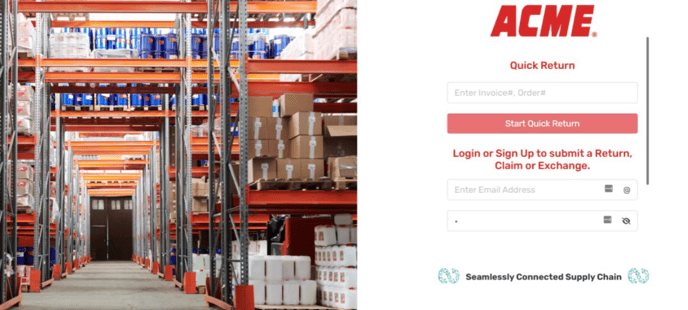
1. Log in to the Continuum platform
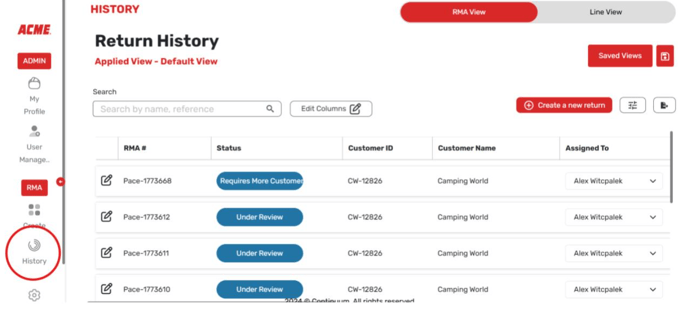
2. Select return history.
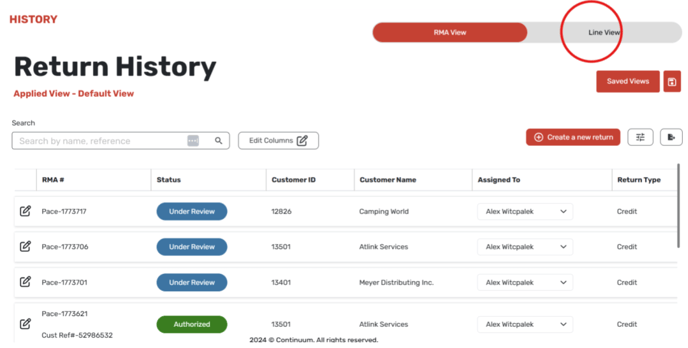
3. Select the Line Item button on the right hand side of the screen.
![Continuum-Logo-FC-1.svg]](https://support.gocontinuum.ai/hubfs/Continuum_Sr/Images/Continuum-Logo-FC-1.svg)
1. Log in to the Continuum platform
2. Select return history.
3. Select the Line Item button on the right hand side of the screen.