![Continuum-Logo-FC-1.svg]](https://support.gocontinuum.ai/hubfs/Continuum_Sr/Images/Continuum-Logo-FC-1.svg)
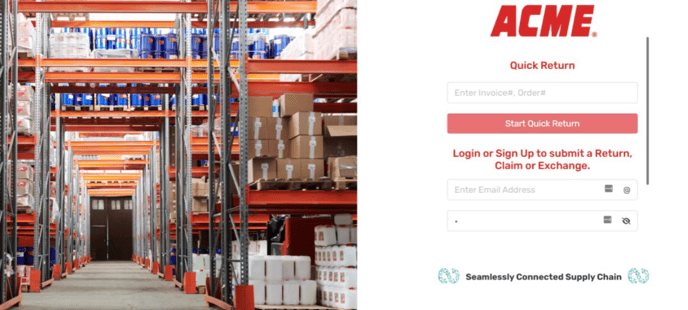
1. Log in to the Continuum platform.
2. Click the history button on the side of the screen.
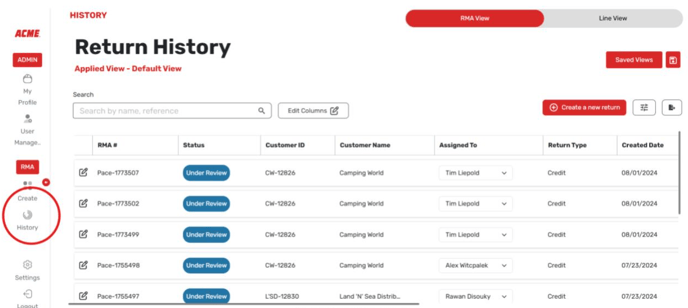
3. In the history, you can find any outstanding RMAs. Locate the RMA you are interested in and click on "RMA Details" to view information such as the status, order number, and refund amount.