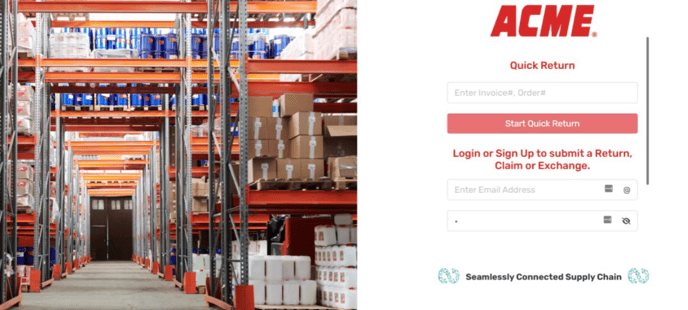
1. Log in to the Continuum platform
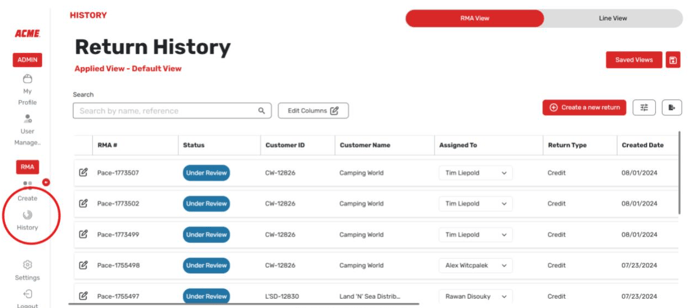
2. Select return history.
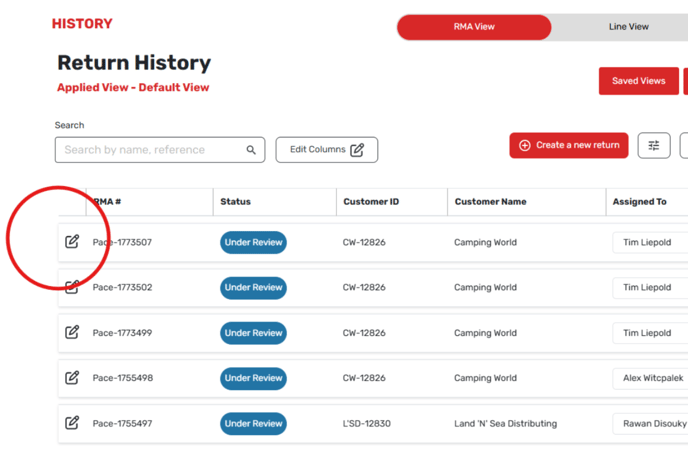
3. Select the edit button on the left hand side of the screen.
4. On the screen that comes up, select audit logs.
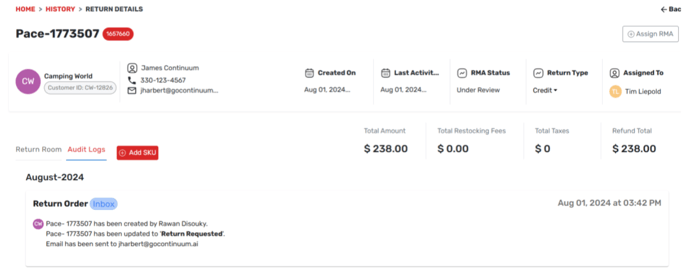
5. View the bottom of the screen to view the logs.
![Continuum-Logo-FC-1.svg]](https://support.gocontinuum.ai/hubfs/Continuum_Sr/Images/Continuum-Logo-FC-1.svg)
1. Log in to the Continuum platform
2. Select return history.
3. Select the edit button on the left hand side of the screen.
4. On the screen that comes up, select audit logs.
5. View the bottom of the screen to view the logs.