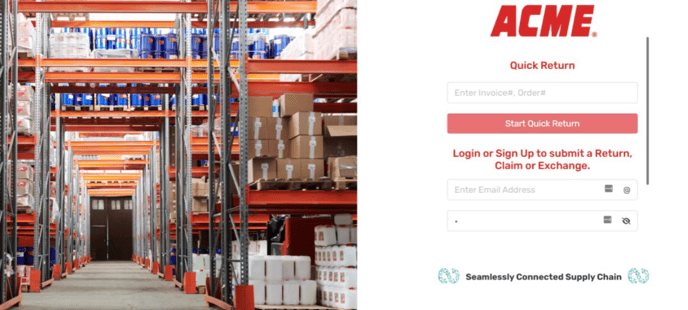
1. Log in to the Continuum platform
2. Select return Settings.

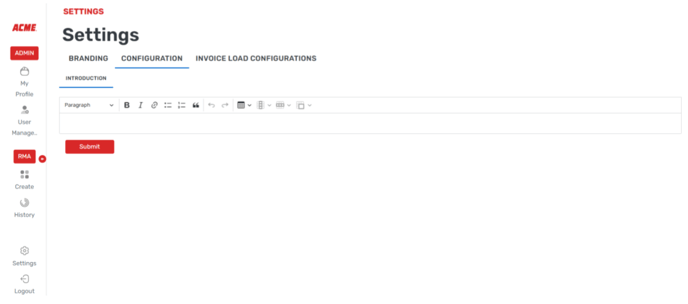
3. Select the Configuration button at the top of the screen.

4. Here you can edit or add text so that it shows on the create RMA screen.
![Continuum-Logo-FC-1.svg]](https://support.gocontinuum.ai/hubfs/Continuum_Sr/Images/Continuum-Logo-FC-1.svg)
1. Log in to the Continuum platform
2. Select return Settings.
3. Select the Configuration button at the top of the screen.
4. Here you can edit or add text so that it shows on the create RMA screen.