![Continuum-Logo-FC-1.svg]](https://support.gocontinuum.ai/hubfs/Continuum_Sr/Images/Continuum-Logo-FC-1.svg)
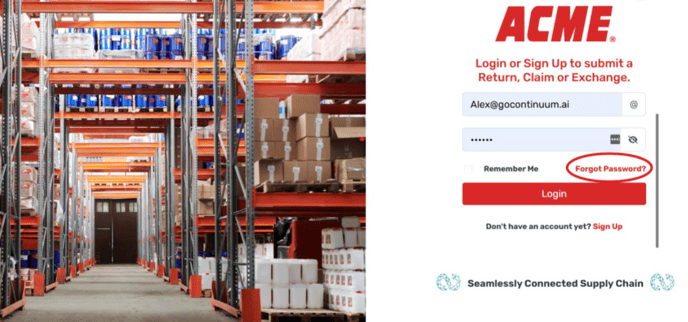
1. Open the link for Continuum. Select the button that says Forgot Password.
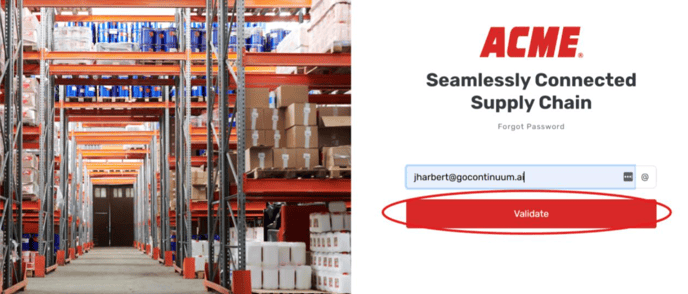
2. On the screen that comes up, enter your email and select validate.
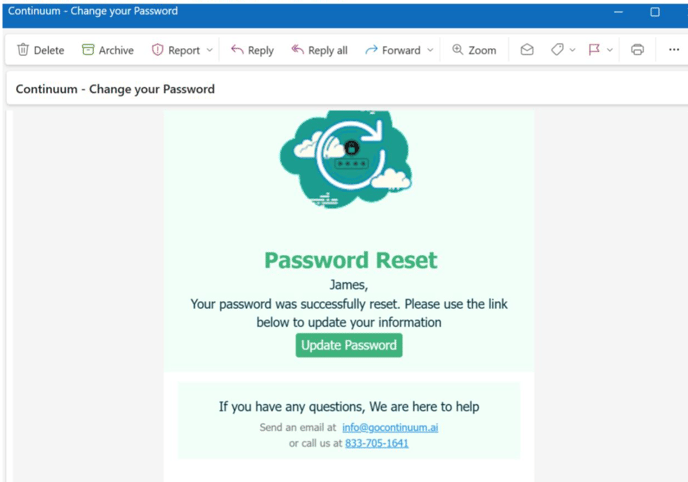
3. Check your email. You will have a message from Continuum that will give you a link to reset your password. Select the update password button.
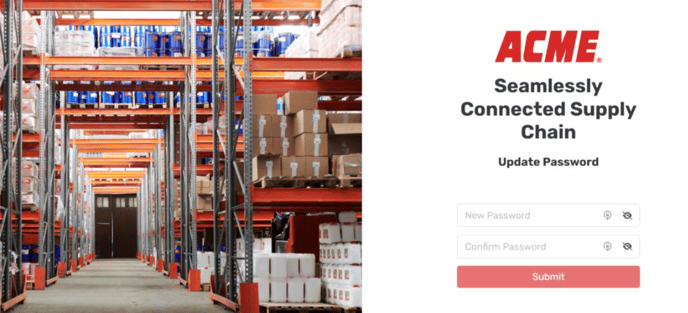
4. On the screen that you are taken to, enter your password twice and select submit. You have now updated your password and can log in with it.