![Continuum-Logo-FC-1.svg]](https://support.gocontinuum.ai/hubfs/Continuum_Sr/Images/Continuum-Logo-FC-1.svg)
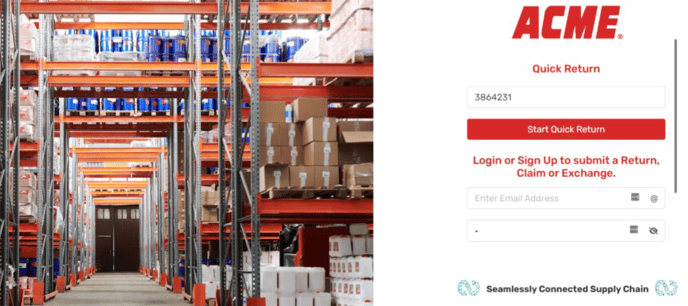
1. From the login screen, search for the invoice number or order number you want to process a return from, select start quick return.
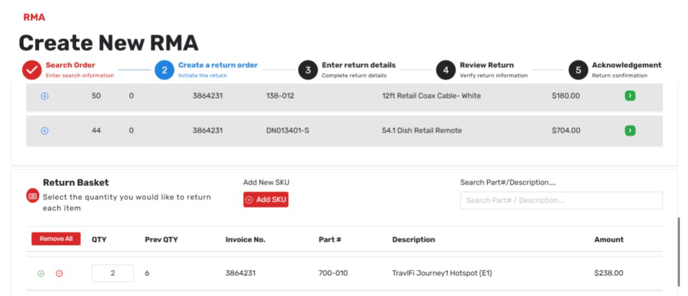
2. Choose the item you want to add to the return cart and click Proceed.
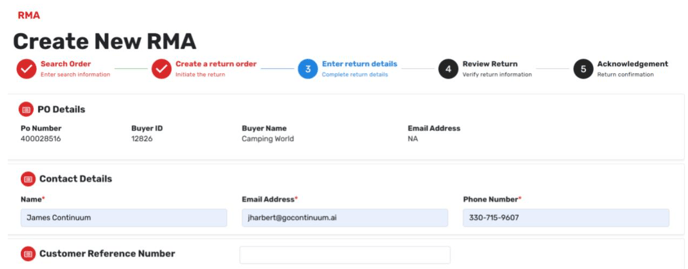
3. Enter your contact information to receive notifications about updates.
4. Select the reason code for the return.
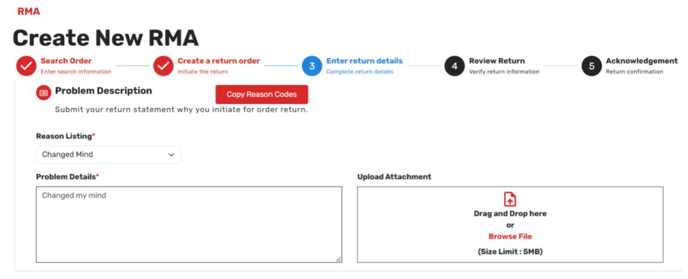
5. Fill out any mandatory fields that appear.
6. If necessary, add details and attachments, then click Proceed.
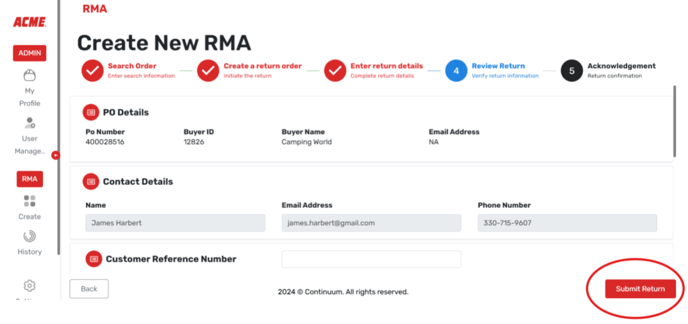
7. On the next page, verify that all information is correct and accept the terms and conditions if required.
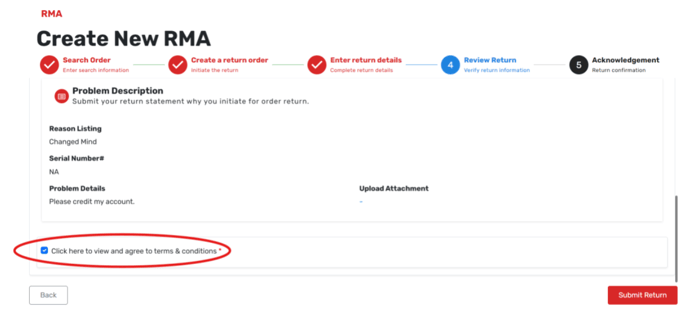
8. Click Submit Return.