![Continuum-Logo-FC-1.svg]](https://support.gocontinuum.ai/hubfs/Continuum_Sr/Images/Continuum-Logo-FC-1.svg)
1. Log in to the Continuum platform.

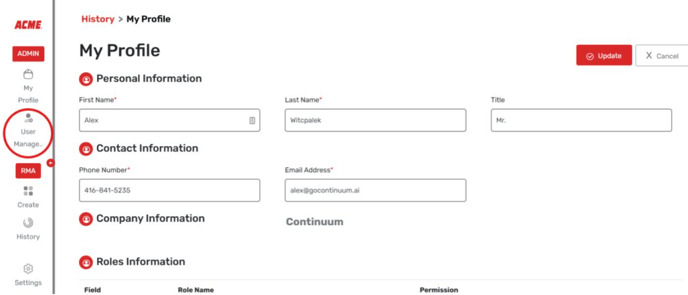
2. Click on the User Management button on the side of the screen.
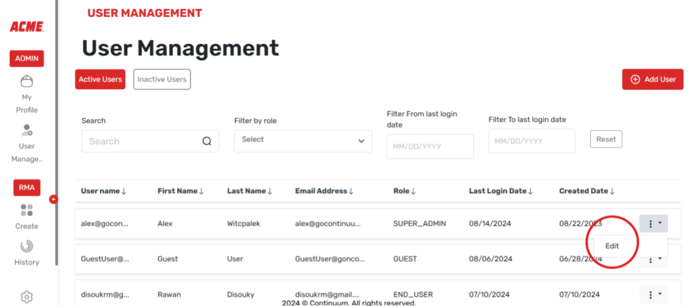
3. Select the user you want to change at the bottom and select edit on the left.
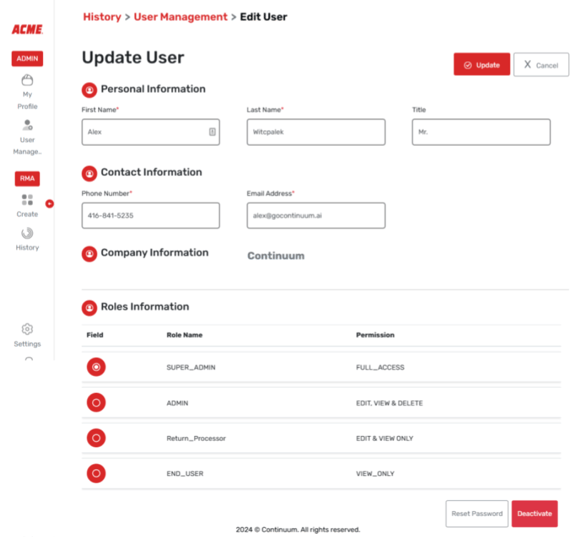
4. Edit the contact details, permissions, or deactivate the account at the bottom.