![Continuum-Logo-FC-1.svg]](https://support.gocontinuum.ai/hubfs/Continuum_Sr/Images/Continuum-Logo-FC-1.svg)
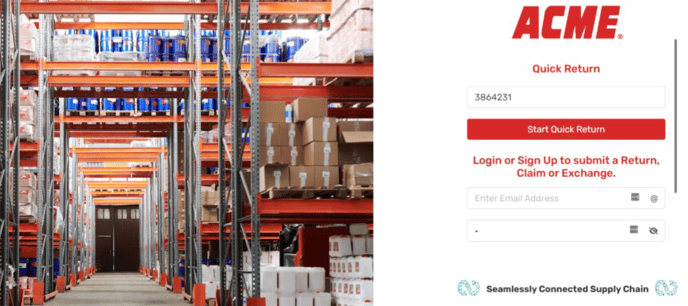
1. Log in to the Continuum platform
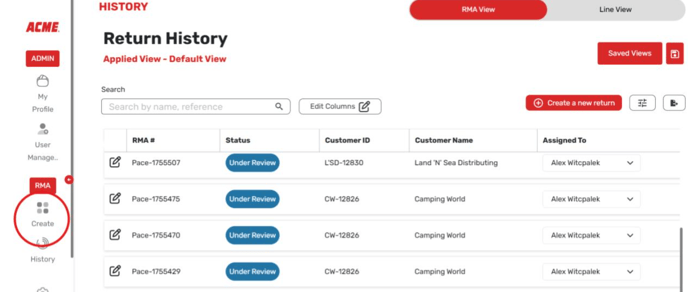
2. On the lefthand side of the screen, select History.
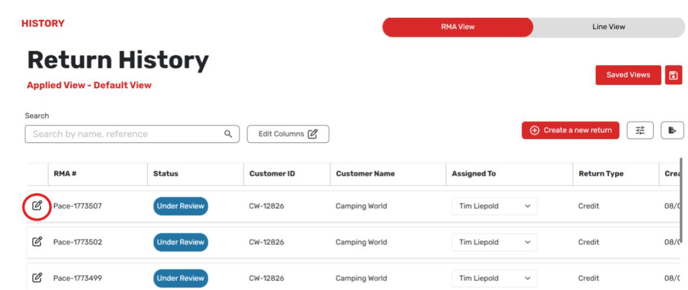
3. Find the RMA you need to update the line items of.
4. Select the pencil icon to the left of the screen to bring up the RMA details.
5. On the RMA details, find the SKU you want to delete and scroll to the right.
6. Select the trashcan icon to the right.

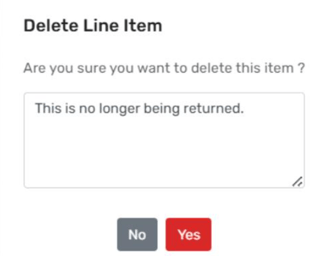
7. Enter a note on the screen that pops up and select Yes.