![Continuum-Logo-FC-1.svg]](https://support.gocontinuum.ai/hubfs/Continuum_Sr/Images/Continuum-Logo-FC-1.svg)
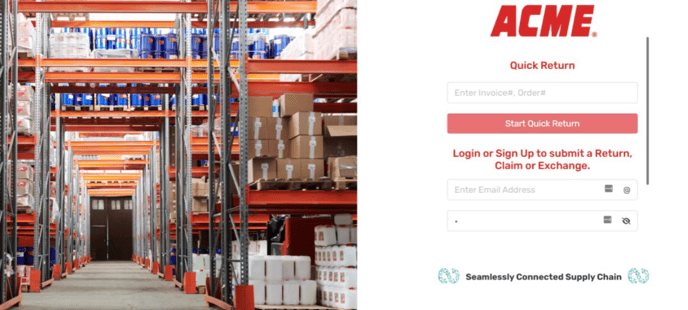
1. Log in to the Continuum platform.
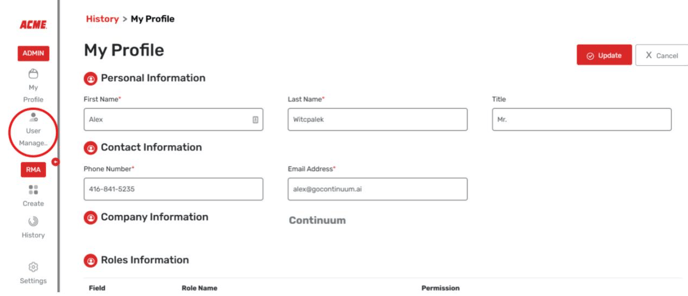
2. Click on the User Management button on the side of the screen.
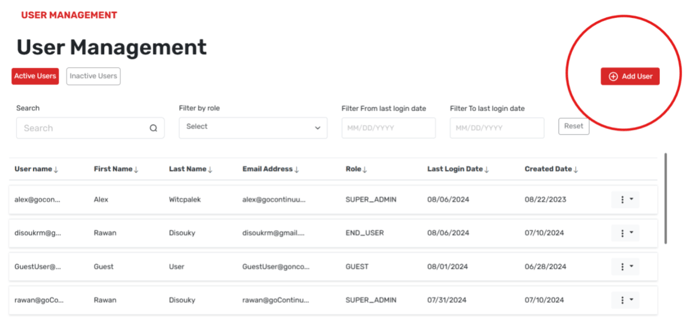
3. Select Add User
4. Input your contact information and the proper permissions.
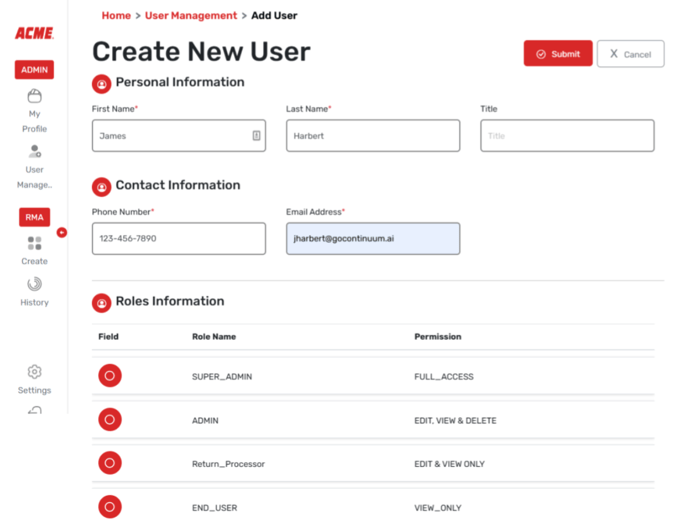
Please note that end users can only log in as the customer. All other permissions will grant the customer the ability to log in as the distributor.