![Continuum-Logo-FC-1.svg]](https://support.gocontinuum.ai/hubfs/Continuum_Sr/Images/Continuum-Logo-FC-1.svg)
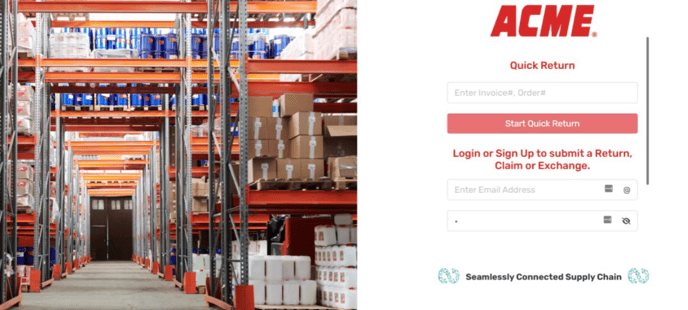
1. Log in to the Continuum platform
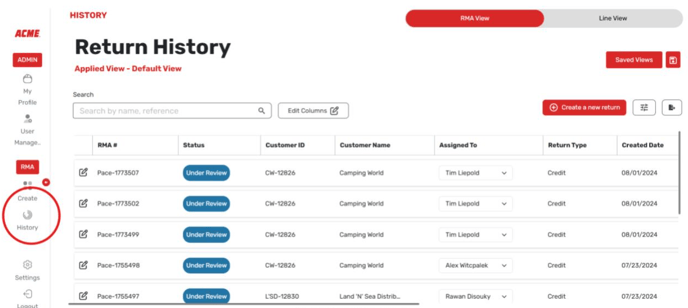
2. Select return history.
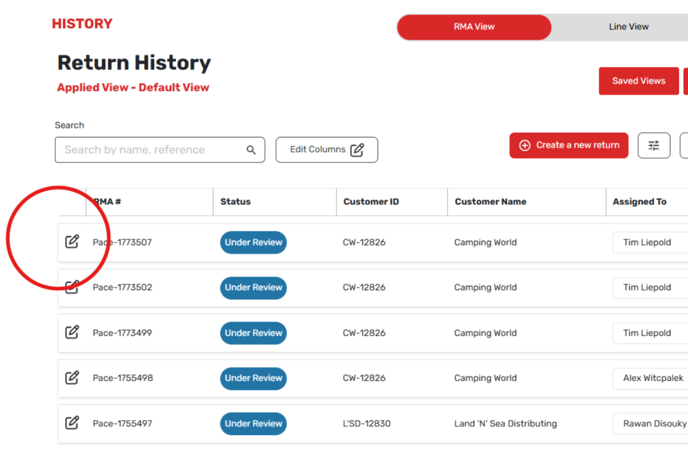
3. Select the edit button on the left hand side of the screen.
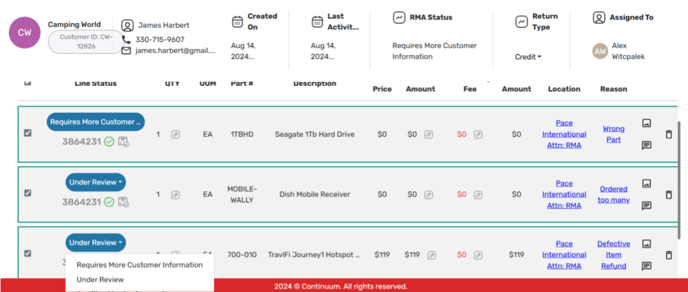
4. Select the RMA line item you want to update the status of, and pick the status you want to change it to.
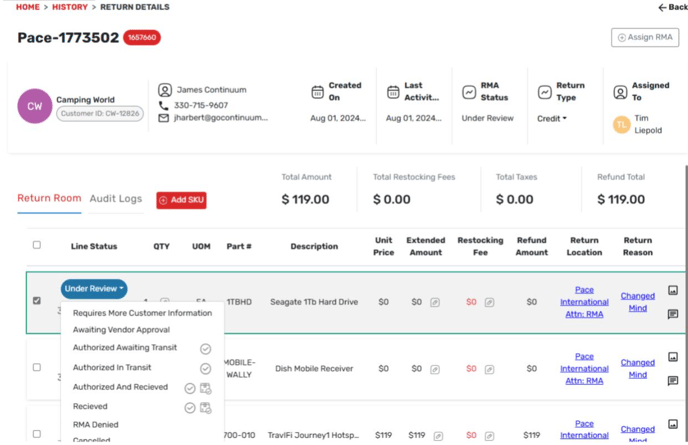
Please note, if you are changing the status for more than one item, you can select the checkboxes to the left of the RMA and then changing the status as seen below.