![Continuum-Logo-FC-1.svg]](https://support.gocontinuum.ai/hubfs/Continuum_Sr/Images/Continuum-Logo-FC-1.svg)
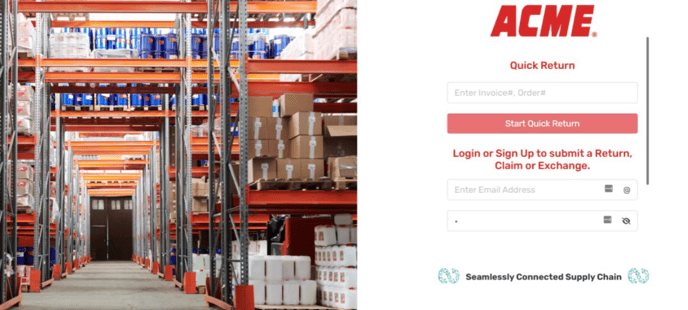
1. Log in to the Continuum platform.
2. Click on the history button on the side of the screen.
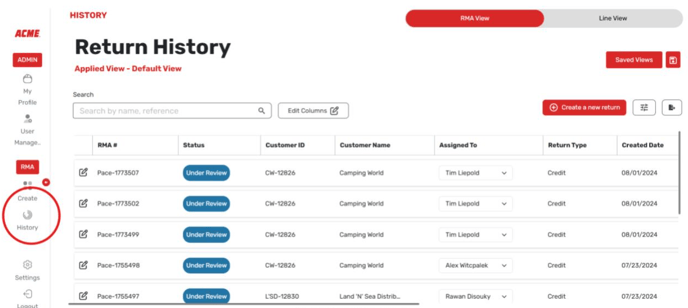
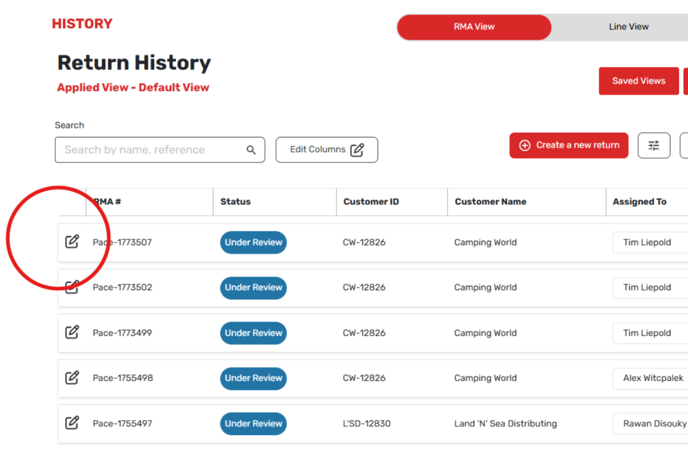
3. Find the return you want to modify.
4. Click the edit button on the left side of the screen.
5. Click on the hyperlink for the return reason.
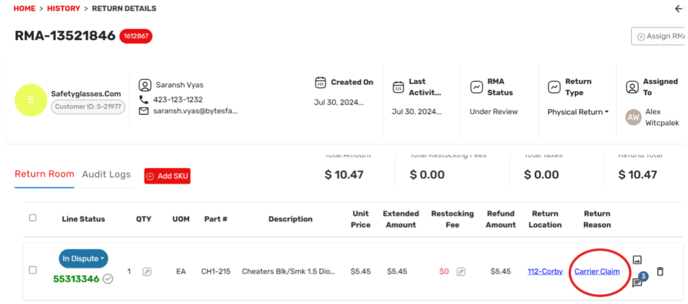
6. From the dropdown menu, select the desired reason code.
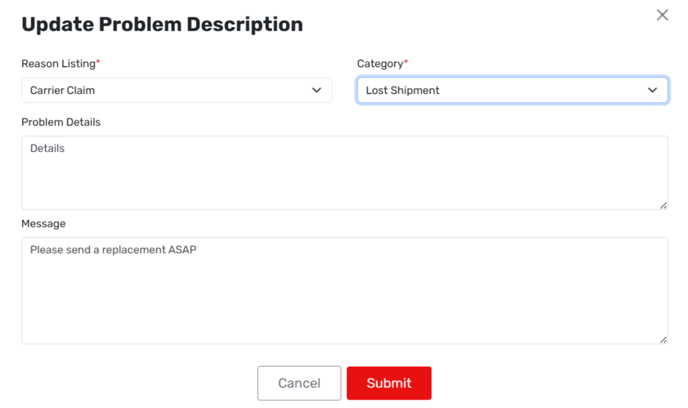
7. Complete any dynamic fields that appear.
8. Click submit.